Boadilla is a quite plain theme in beamer class; I like plain styles, but I also want a headline in the top indicating the sections so that I can know where I am when I’m giving a speech. Thus I gave some slight changes to this plain theme: the default headline has been replaced with infolines, while the definition of the outer theme infolines has also been modified as I don’t have any subsections.
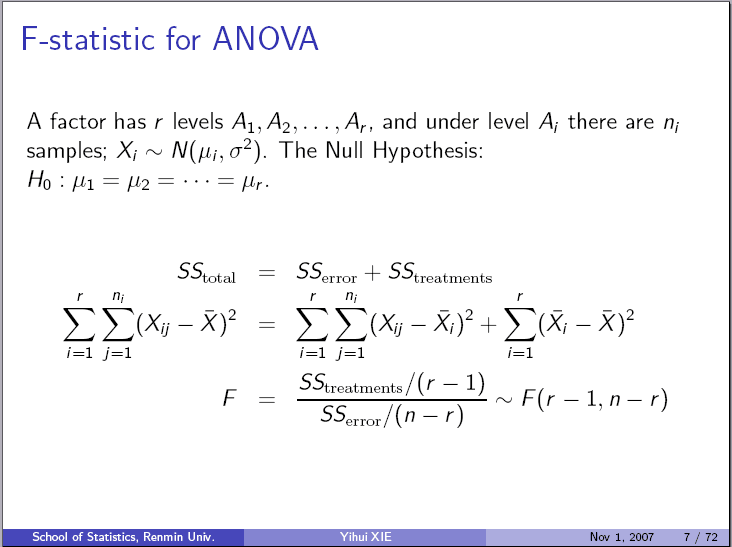
The original headline:
\ifbeamer@secheader\else\setbeamertemplate{headline}[default]\fi
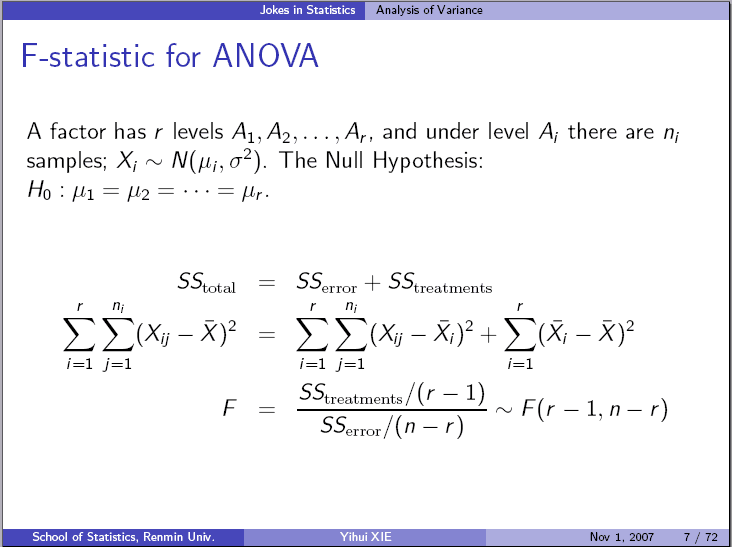
The modified version:
\ifbeamer@secheader\else\setbeamertemplate{headline}[infolines]\fi
You may visit the post Jokes in Statistics to see the effects of my modifications.